DANGER ZONE 2

A Counter-Strike 2 Mod

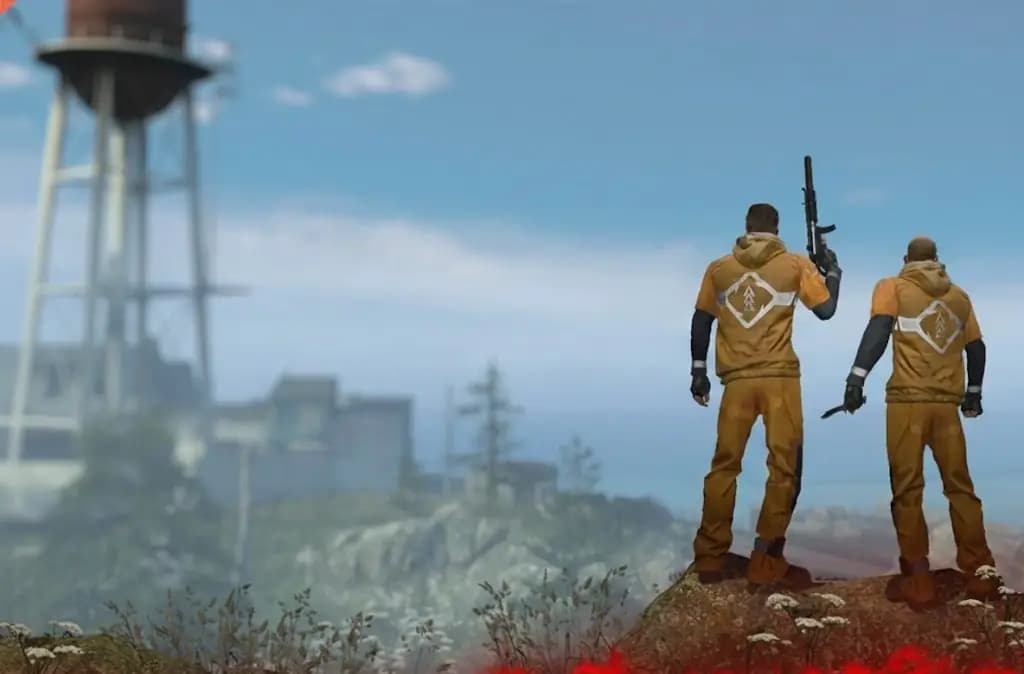
Play as a solo, or work together as a squad of two or three to outlast your opponents on the different danger zone maps. Buy equipment using money you find, earn by completing missions, or receive from enemy eliminations.

Learn More

HOW TO PLAY

EXPLORE

EXPLORE

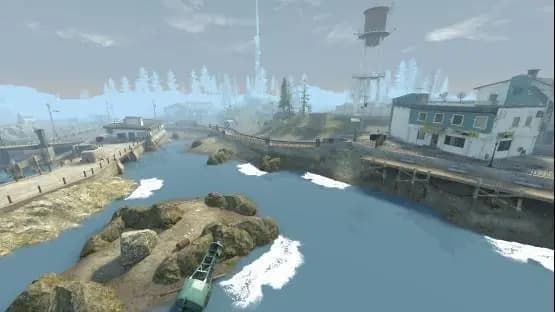
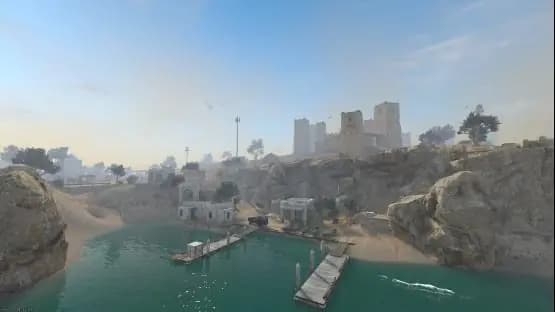
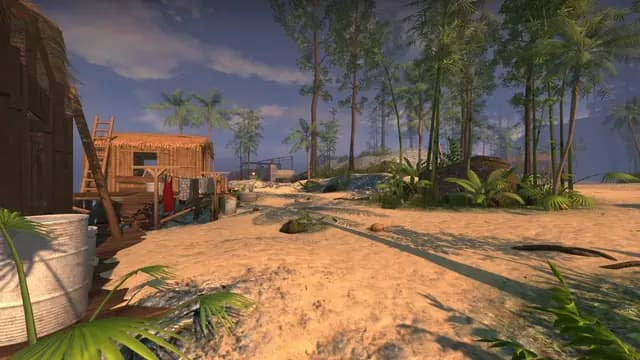
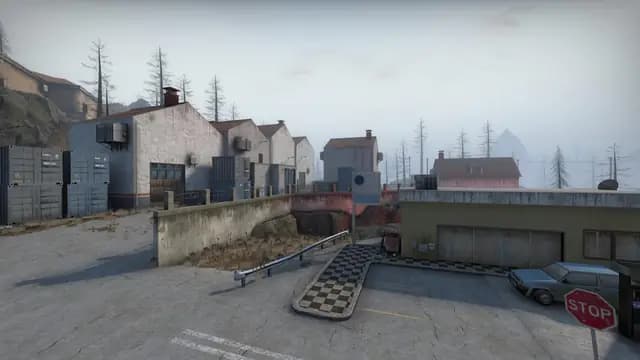
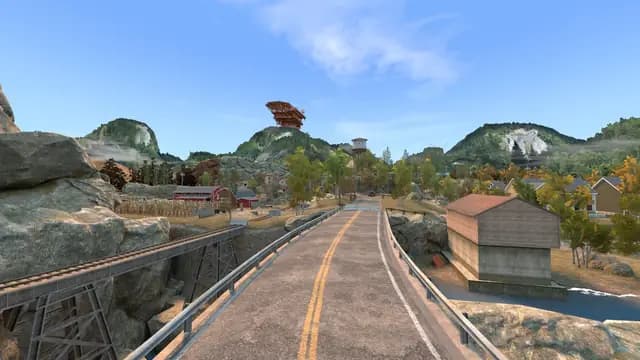
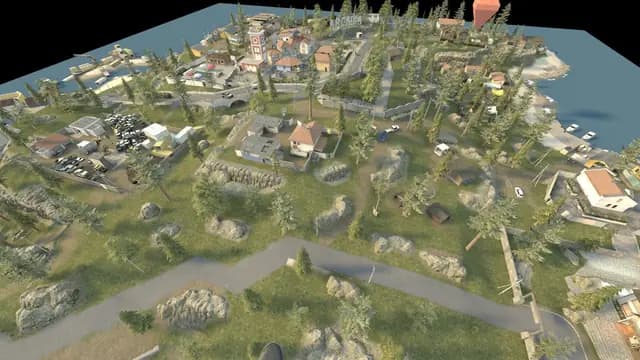
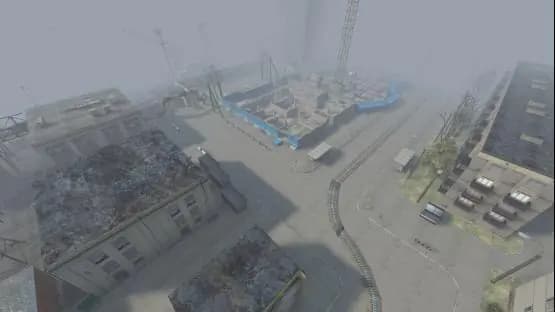
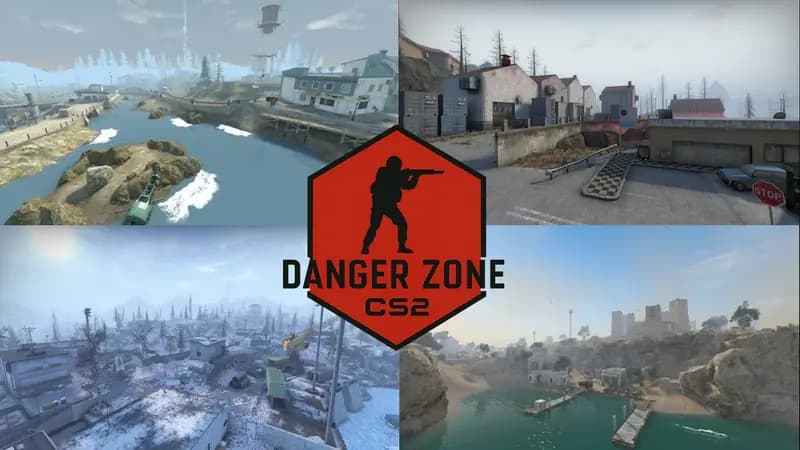
With a wide variety of maps from the community, explore diverse environments and tactical opportunities. Use the external tablet to purchase weapons, drones, and more

LOOT

LOOT

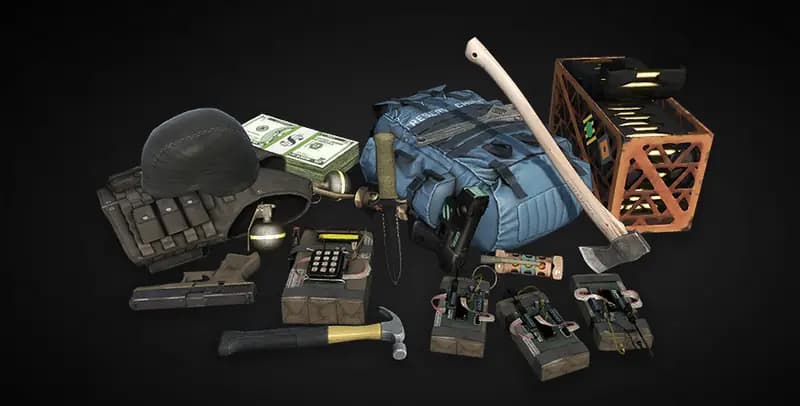
Find money by exploring the world, completing missions, and taking out enemies. Use it to buy equipment from the menu anytime, anywhere using the new tablet system.

SURVIVE

SURVIVE

As time passes, a wall of deadly gas closes in on the map. Stay ahead of the Danger Zone and eliminate enemies to be the last player/squad standing.

AVAILABLE COMMANDS

Command Description
!party <name> Create or join a party with the specified name to play with friends. Can also use !p <name> as a shortcut (name refers to player name) Example: !p LeviN (if player name is LeviN)
!party kick Remove a player from your party (party leader only). Can also use !p kick <name> as a shortcut
!party leave Leave your current party. Can also use !p leave as a shortcut
!party info List all players in your current party. Can also use !p info as a shortcut

HOW TO USE TABLET

Your tactical companion for purchasing equipment, deploying drones, and managing resources

🛒

Purchase Equipment

Buy weapons, armor, grenades, and tactical gear from anywhere on the map without needing to find a physical buy station.

🚁

Deploy Drones

Purchase and deploy reconnaissance drones to scout ahead, mark enemies, and gather intel on safe zones.

💰

Track Resources

Monitor your money, view your current inventory, and manage your squad's equipment efficiently.

📋

Mission Updates

Check active missions, track progress, and claim rewards directly through the tablet interface.

⌨️ Quick Access

Follow these steps to access your tablet:

  1. 1. Open your Scoreboard in-game
  2. 2. Click the "Server Website" button
  3. 3. A unique code and link will be generated for your personal tablet access
⚠️

IMPORTANT WARNING:

DO NOT share your personal tablet link or code with anyone! Each link is unique to you. Sharing or abusing the system will result in a PERMANENT BAN.

Use the tablet strategically to gain advantages without interrupting your gameplay flow. Requires Steam Overlay to be enabled.

MAPPER INFORMATION

Essential entities and guidelines for creating Danger Zone custom maps

Required Entities

The following entities are essential for Danger Zone maps to function correctly.

They may not show in Hammer but you can add them to the map
point_dz_weaponspawn REQUIRED

Locations where weapons, equipment, and items spawn.

Properties: QUANTITY: The more the merrier. We suggest a minimum of 100 items.
dz_door REQUIRED

Spawns the doors to have them unlockable. This helps with items hidden behind a door. Most important thing for this is the target name for this entity.

Properties: MUST HAVE "targetname" otherwise these entities will not work.
💡

ESSENTIAL MAPPING TIPS

  • Place loot spawns in clusters (point_dz_weaponspawn) but also placed sporadically throughout the map. Keep the weight at 100. If any questions, we have examples in our discord. Make it random, the mod will do the rest.
  • Create gameplay opportunities with multi-story buildings and elevated positions.
  • Design the map with 2-3 hostage safe zones.
  • Include both open areas for long-range combat and tight spaces for close quarters.
  • Add environmental storytelling elements to make locations memorable and navigable. Make use of signs, landmarks, and unique structures.
  • Include cover objects and props that can be used tactically in firefights.
  • Add a radar. Due to CS2 radar being broken, use RadGen to create a custom radar for your map.
  • If you would like to test out the map in a test server, reach out to us in Discord.

FAQ

How many players are in a match?
Using the new !party system, you can queue solo, duos or trios. The quantity of players in a match will vary depending on the server settings, or if there is a tournament running. Default is 18 slots
How do I play as a squad?
Using the commands found in the Available Commands section, you can create or join a party with your friends before the match starts
How long do matches last?
Danger Zone matches typically last about 10-15 minutes
I missed out on the match! What can I do?
Similar to CSGO, you can spectate the match until it ends and then rejoin for the next match
Does the game behave the same as it did in CS:GO?
Yes. We built the mod in mind to work similar to CSGO. There are a few differences which are outlined either here or in our Discord, but the core gameplay remains the same. This was all due to the Source2 engine limiting what we can and cannot do
How to use the tablet system?
This requires you open your steam overlay and having this enabled. You open your scoreboard and select the link in the bottom left labeled as "Server Website". This creates a unique code and link for you to use the tablet. Please heed to the warning above